Tuesday, 31 July 2018

MInecraft Integrated Into Education


One of my drives at the moment is integrating Minecraft in education. 


Minecraft Maths
                           
This is Minecraft integrated into another teacher’s maths fraction & 

decimal unit. Students were asked to apply their fraction knowledge 

and understanding to create fraction and decimal gardens in Minecraft. 

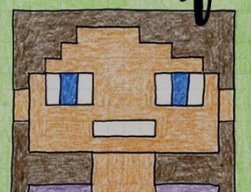
Minecraft selfies ignited the unit to get the students thinking of 

fractions used to make up the facial features. This was an unplugged 

activity.
                           
                           
                     As a team we navigated through Tutorial World ensuring everyone 

had grasped the basics. No-one was allowed to progress until all 

teammates had completed every task.


One laptop was set up as the local server, which kept the Fraction 

World secure and contained within the St Margarets network. 


The aim of the second unplugged activity was to plan students’ garden, 

think about the fractions they are going to use and to also make them 

aware of what is necessary to grow a garden. 


In Minecraft, students chose their 10 x10 grid and erected a fence 

or wall around their property to keep animals from trampling over the 

plants and vegetables.


They experimented with a water source - fountains, waterfalls, 

waterways and water holes.
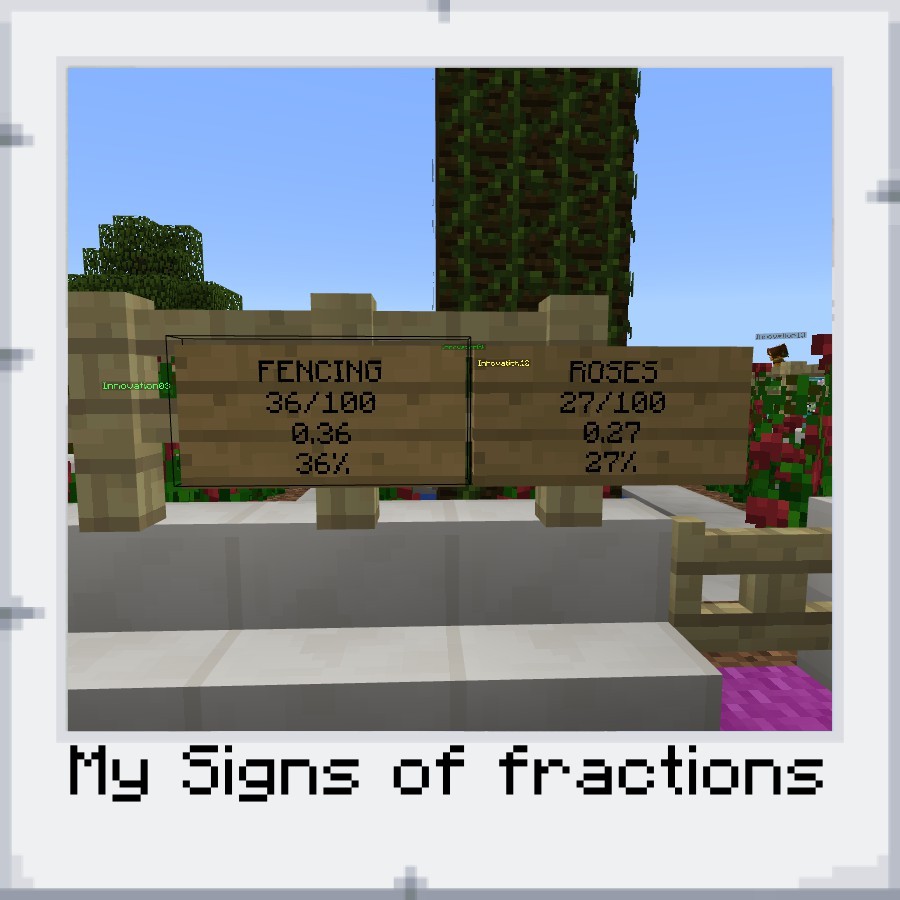


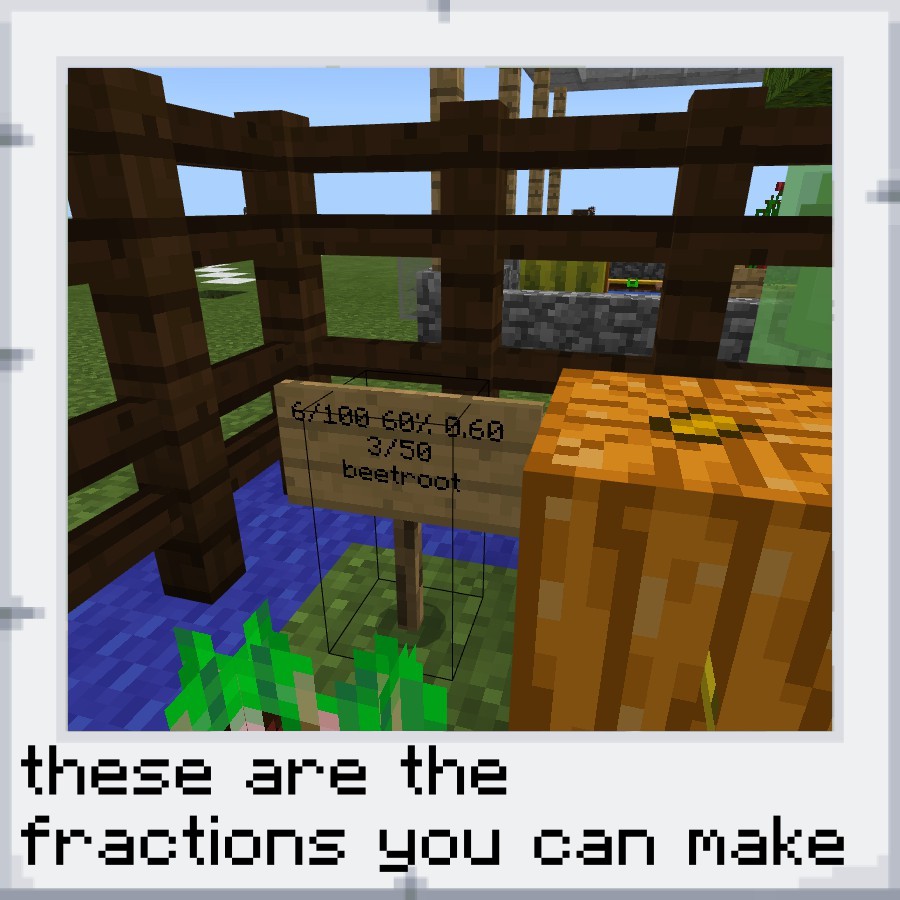
Students needed to hoe the soil and have the necessary seeds/ plants 

in their inventory before planting. They then constructed signs displaying 

the fraction/ decimal/ irregular fraction 


Some students erected torches to allow 24 hour growing time.


To show their learning, students captured their gardens by taking photos 

to add to their learning portfolio. Portfolios were then downloaded as 

photos into Google Drive and added to Linc Ed.


                                                                      Google Minecraft


This lesson was ignited using Google Maps to investigate famous landmarks around the World. 

Students screenshot an original photo of their chosen landmark. These photos were pinned to the 

maps with student research information.


Their task was then to recreate their selected landmark in Minecraft as a team. To assist in

the building of this landmark student had a robot for help. In order for the robot to build, students

needed to input data into an array, within Lua computer programming and code the robot to build.


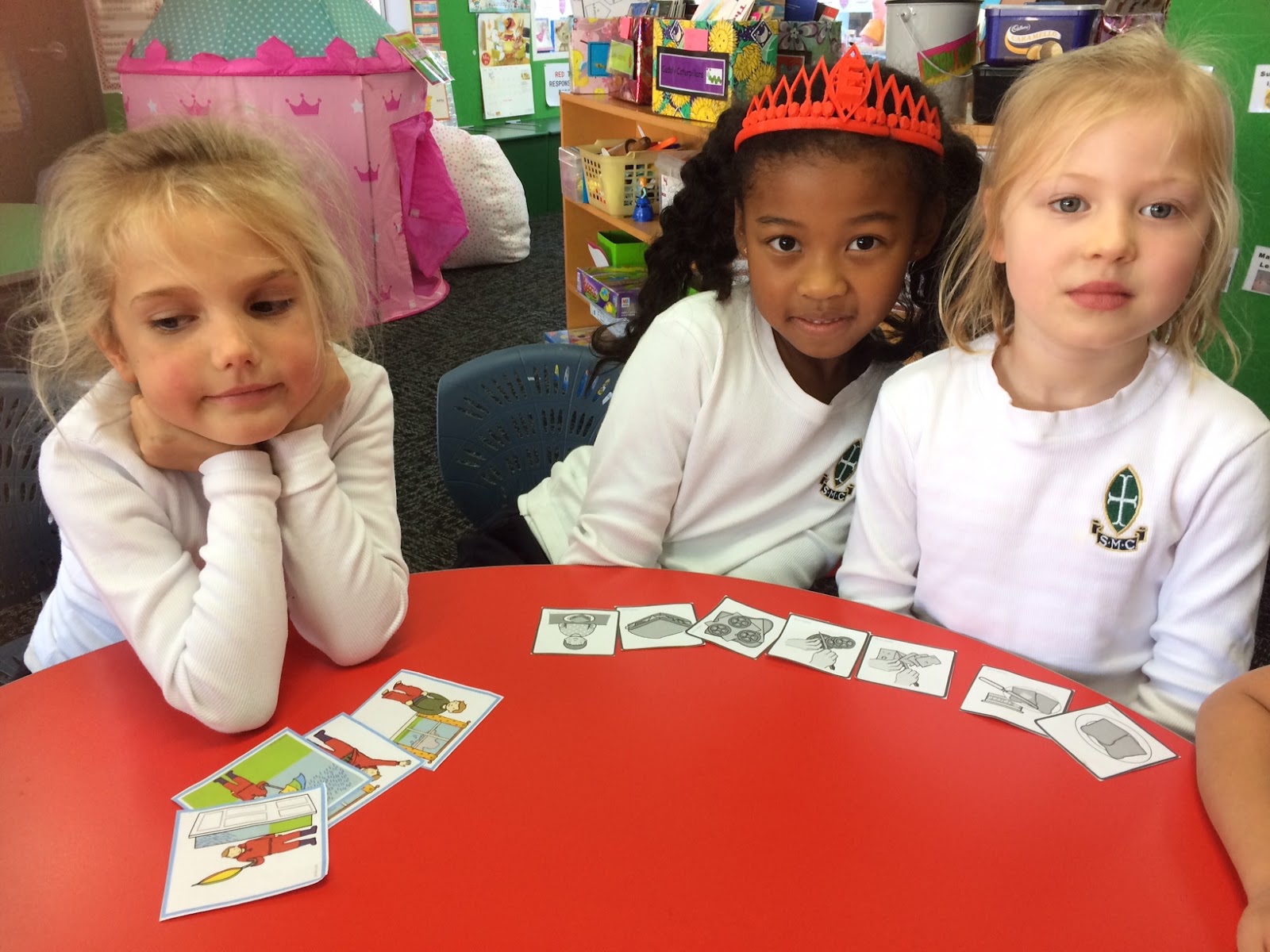
To grasp the idea of following an accurate set of instructions, a group of 3 students placed cards on 

the floor . One student was a computer programmer, one a tester and the last a robot in Minecraft 

(unplugged activity).


Students worked in teams of 3, with each person responsible for building a third of the selected 

building. This required lots of teamwork, communication and cooperation


Minecraft Eco House
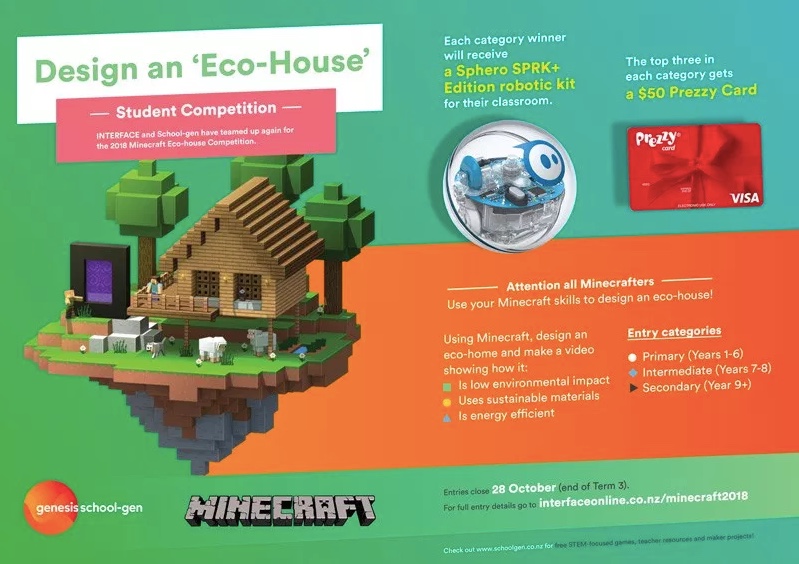
                               Interface Competition

         
As a class we discussed the criteria:-

1.Their house/ abode/ structure needed to have low environmental impact.
Further group discussions brainstormed ideas like blending into the environment and using parts of
existing environment to compliment their build.

2. What they deemed as Sustainable materials varied, with some wanting conductive or renewable
materials whilst others wanted materials that resembled the environment.

3. Energy efficiency discussions were rich in solar energy, wind turbines and water power. Then
onto how these could be achieved in Minecraft.  

                                                            The Chicken House


Monday, 23 July 2018

Integrating Technology in Practical Art


This year Ms Todd-Molineaux has experimented with the use of laser cut wood patterns in the year 5 and 7 Art during Term Two.  Past years, the students have developed their skills in wood carving to produce a woodcut for printing.  This year they have integrated a laser cut wood design based around their theme of Nature with their own hand cut wood design.  First the students printed their backgrounds.  Then they drew and cut out their own design and printed this on top of their chosen background.  The finished products look impressive.


Wednesday, 18 July 2018

Re-Creating a visual representation from a paragraph of text

During Term Two the year 7 students have been working on a Survival Unit.  In teams they have experienced various weather conditions and encountered a range of flotsam washing ashore - some of which has been useful!
The girls have written diary entries and kept a log of their experience.  Alongside this unit, each team has co-constructed their island using the computer aided software "Tinkercad".  Delegating roles within the team to complete a visual model of their island was challenging.  Their three-dimensional models were used to create a google drawing applying their BOLTSS for mapping.  They also used the 3D model to create a digital tour of their island.


Click HERE to view a tour of one of the islands


Wednesday, 27 June 2018

Year 1 Computer Scientists


Y1 Computational Thinking / Inquiry

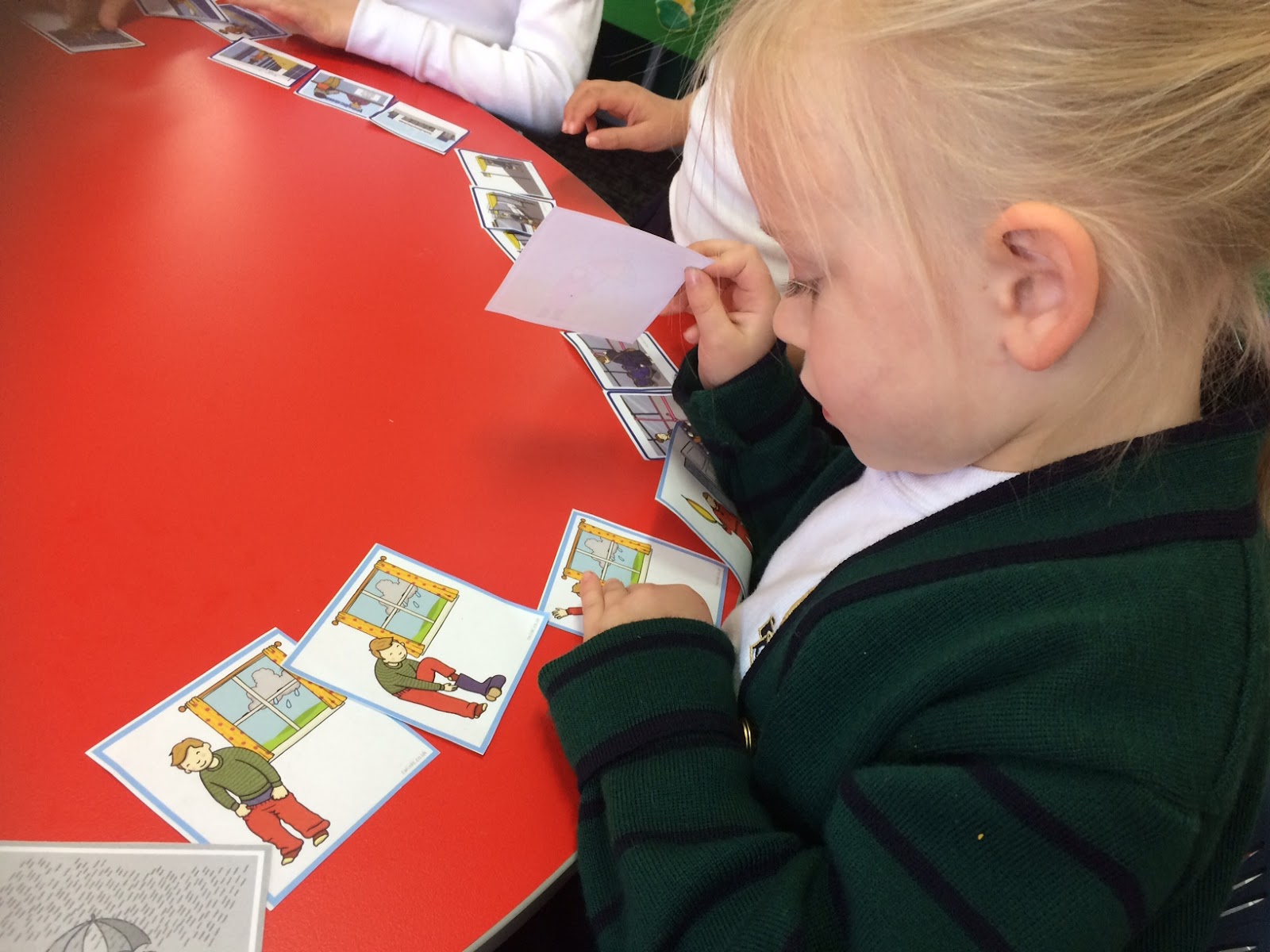
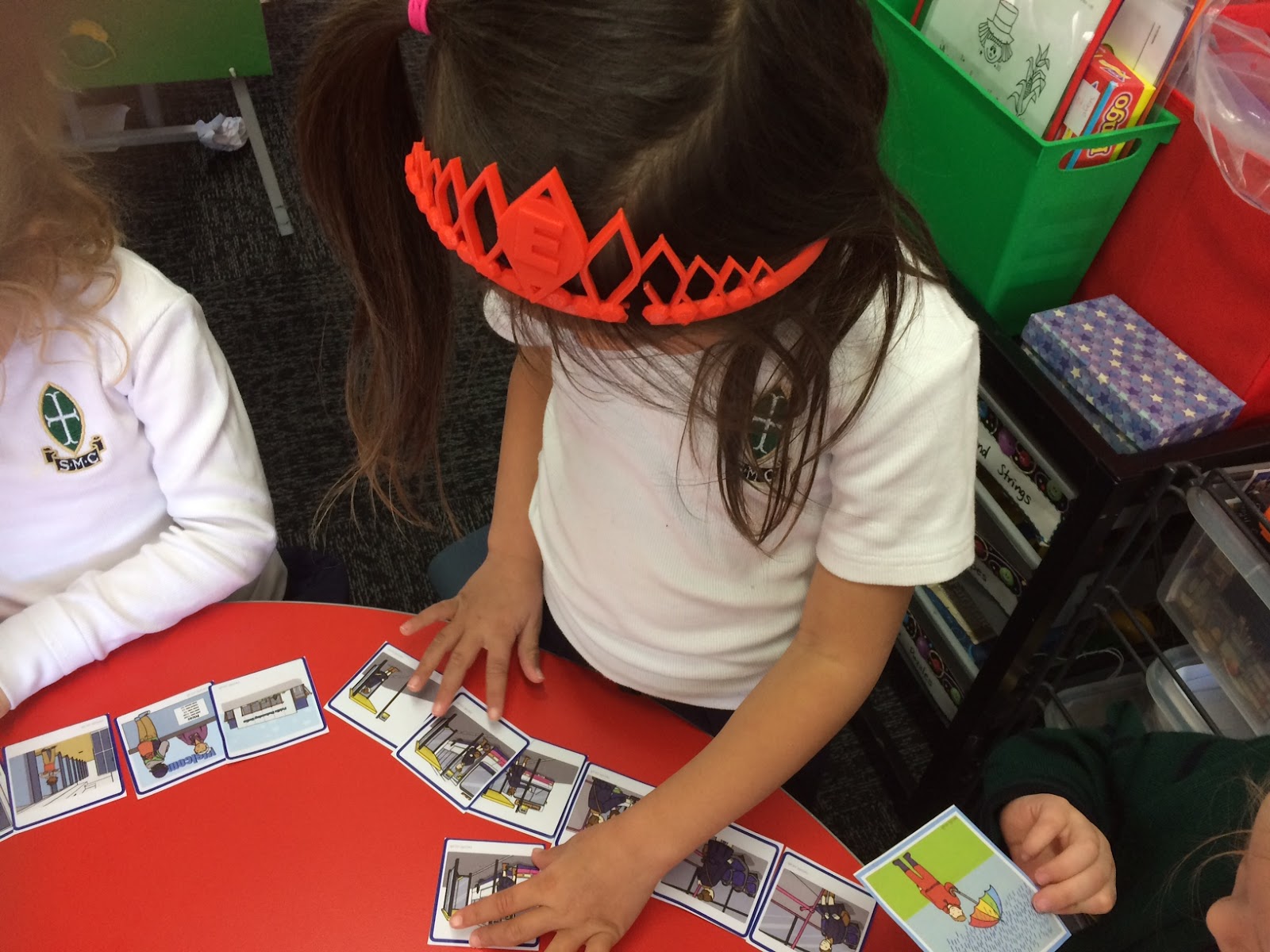
The Year 1’s have been venturing into the new Digital technology curriculum to learn unplugged computer science activities.

Aim:To integrate digital technology into the Junior School Inquiry programme based on the theme of “Peace”

Year 1 initially talked of robots and how they think and act with sequential movements. They were faced with a new student in the their class called RED the Robot. The girls had to teach RED to be a responsible student at St Margarets (class Inquiry).

The Junior School Inquiry focus on Peace investigated world renowned peace heroes as well as smaller things in life that also give inner peace. Inner peace in the form of playing with friends and the girls love of fairies brought a combination of sequential steps to create fairy gardens.

We have listened, verbalised, reordered, wrote, drawn and rearranged pictorial sequential algorithms.
Lesson Expectations:
  • Accurately count from one space to the next one.
             Mathematics: Numeracy
  • Actively listen to the feedback and debug the program.
  • Communicate when the code isn’t correct so that the person knows what needs debugging.
  • Explain why it’s important to give very exact instructions.
  • Follow instructions accurately.
             Mathematics: Geometry Literacy: Listening
  • Give accurate instructions at a pace that the person can follow.
             Literacy: Speaking
  • Give a set of instructions that programs an object to move from one point to another.
  • Identify where a bug has occurred and be able to correct the code to allow the object to move to the desired destination.
             Computer Science: Programming

Students have:-
given arrow and verbal instructions as sequential algorithms.

reordered pictorial instructions to complete a story and make a flower garden base.

labelled fairy garden plans to follow. These show the girls’ fabulous ideas.

followed their plans to start building their gardens.


Wednesday, 13 June 2018

Technology For The 3rd Age

Technology For The Third Age


Our T3A ( Technology For The Third Age) has sadly come to an end for the term.
And what a term it has been! It began full of in trepidation, worry and fears of not being good enough,
trying to keep up and being faced with these new high tech devices.
Together, Linda and I set a comfortable, supportive atmosphere and proceeded gradually at the
group’s pace for them to gain confidence and relax.
 Our course covered :-
  • The keyboard and key functions 
  • Using the camera - focusing, selfies, viewing and editing etc., 
  • Using email to send photos & save photos that are received etc., 
  • Web browsing 
  • Apps - Libby - downloading a ebook to read 
  • Accessing newspapers and online resources available through the Christchurch City Library 
  • Radio and Music Apps - free and paid 
  • iTunes Store and purchasing music
I received an email from one of our group sadly stating “it was all too much for her, that she was too
old for all this new technology”. After much deliberation, I replied “ I do not accept your resignation and
please give it another try”. I am thrilled to say she came back. Bravely she shared her dilemma with
the rest of the group and it became a turning point for her and others.


The environment welcomed questions, encouraged problem solving and promoted self belief.
Frustrations were aired openly and together we moved forward.
As a tutor, this was one of the highlights of my week.


Feedback from participants

  • Very good introductory course thoroughly enjoyed my time very informative with great fun teachers
  • I would very much like to follow up on more courses please and special thanks to Audrey and Linda 
  • for their time and patience with us and thanks for the great morning teas
  • Thank you both for your excellent tutoring. I know everyone has gained much from the course.
  • Great course and met some lovely people. Would recommend to others.

Contact us here at St Margarets to register your interest for future courses.
Audrey Campbell, Linda Chong
Centre For Innovation

St Margaret’s College

Thursday, 7 June 2018

ARA Mission to Mars - Year 9 - 13 Students

Are you interested in being part of the Mission to Mars programme run by ARA

Check out the following links:
Yr 9-10 students know about Mission to Mars
10 July 2018:

Screen Shot 2018-06-06 at 9.03.47 AM.png


For Yr 11-13 students know about Aerodynamix.
 12 July 2018:

Kendall Engraving Design Award

Here is an opportunity for Year 11 - 13 students at 
St Margaret's College to enter a competition 
to showcase your design skills with the laser cutter.  


Poster with more information